
Someone at a demo on Friday looked at a slide deck of mine and said 'it doesn't look like AI created this'. That deck was AI-generated from the first slide to the last. I have been chewing on it all weekend, because the answer is boring and I think it is the whole game: the AI had a file to work from.
To explain to new folks reading this: I run Mission Relearn, a one-woman AI consultancy in the Netherlands, and I build Memnar, a portable memory for your AI. Almost everything I ship, I ship alone with agents.
Four tools have now worked on the same file
I have 50 boards. Substack covers at 1200x600, LinkedIn squares at 1200x1200, portraits for carousels, video thumbnails. Next to them a deck system that turns a folder of HTML into a slide deck that runs offline, straight from the file, no build step and no login. The cover on this email came out of that set. So did the last four LinkedIn posts.
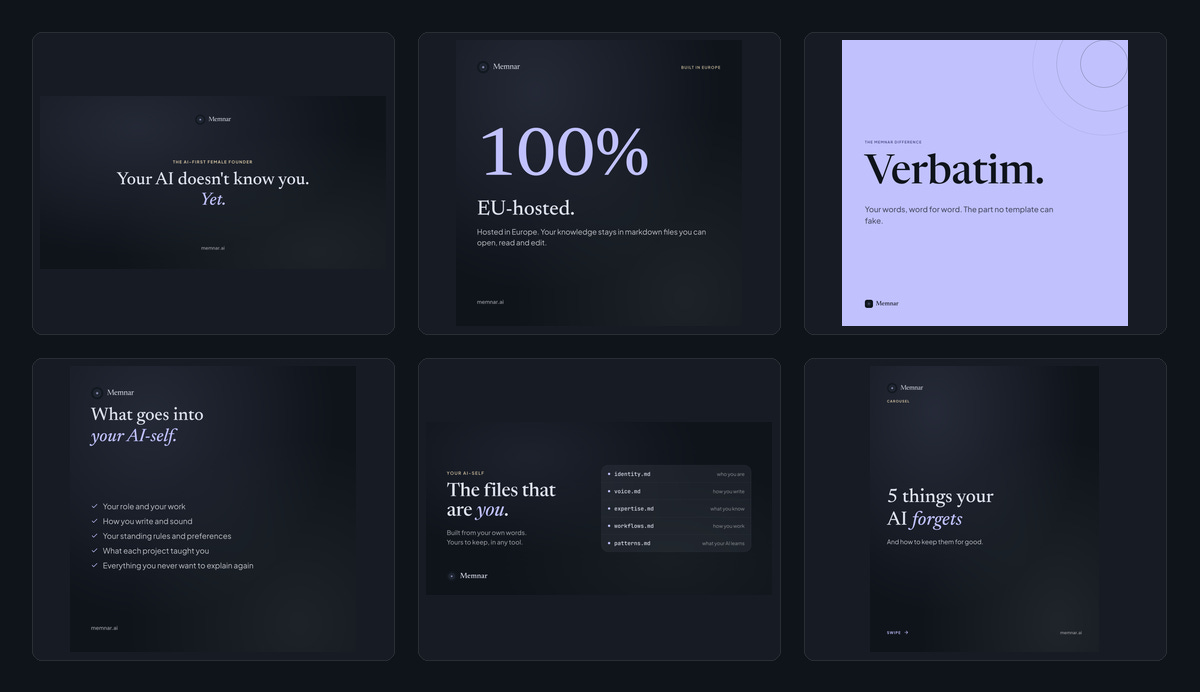
Six of the 50 boards. Substack covers, LinkedIn squares, a carousel cover, one light variant, all built from the same stylesheet.
What it changes day to day is the blank page. I used to open a design tool and started searching hex codes again: which navy, which serif, how much air above the headline. Now AI picks a board, swaps the words, and it is done in the time it takes to write the copy. The design work moved from every single asset to one file that every asset reads.
Four tools built that, and each one was fed the output of the one before it. Google Stitch went first, back in April: three prototype screens and a written design system. That document went into Claude Design, which turned it into a project with real components and a design system. That system came down into Claude Code as a local stylesheet, so renders work offline and my agents can read them. And that stylesheet is what the boards in pen.dev are built from. I tried Paper alongside it and dropped it once I had a free way to do the same thing, after hitting a weekly limit on tool calls three times in a row.
I went back to that first Stitch file this weekend, dated 3 April, and then grepped the stylesheet memnar.ai ships right now. Navy #0f141b, 16 times. Lavender #c1c1fe, 28 times. Sage #bacbbb, 11 times. Newsreader over Plus Jakarta Sans, glass at 20px blur, all still there.
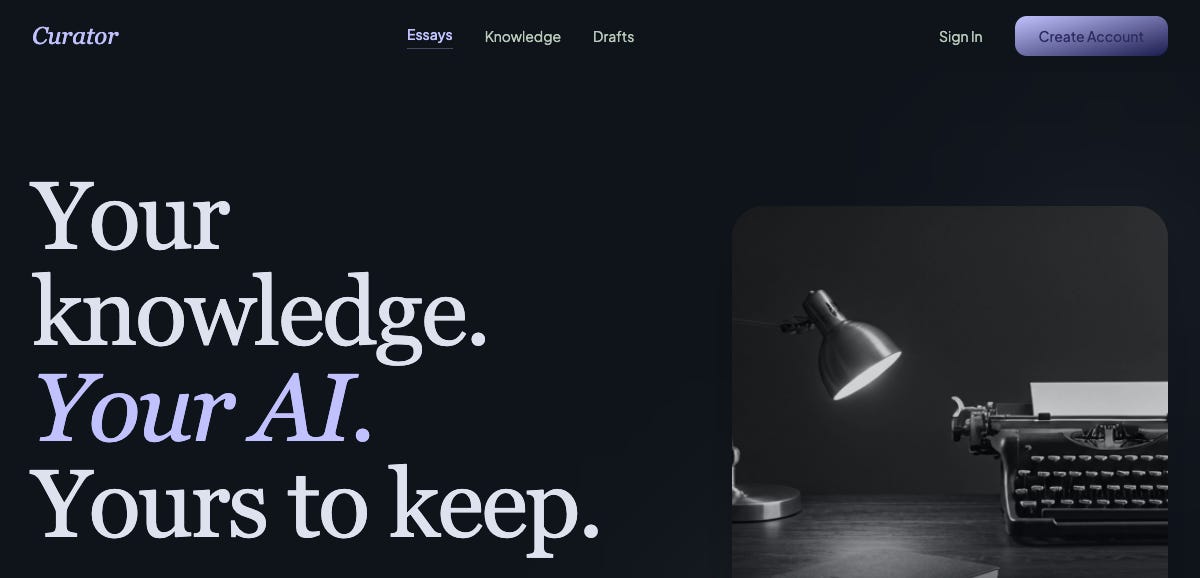
Google Stitch, 3 April. A different product name, the same navy, the same lavender italic, the same serif.
So, my tip: pick tools that hand you a file you can carry out. The written spec is the goldmine, the canvas is fluid. Write down the five decisions you keep remaking, colours, type, spacing, one signature detail, one thing you never do, and feed that file to whatever you use next.
What comes out of it
Friday's other output was a tool: upload.memnar.ai. Drop in a PDF, Word file, PowerPoint, Excel sheet, CSV or HTML page, and you get clean Markdown back that an AI can actually read. It exists because people paste a PDF into ChatGPT and get a tangle of broken columns and page numbers, and then blame the model for the mess.
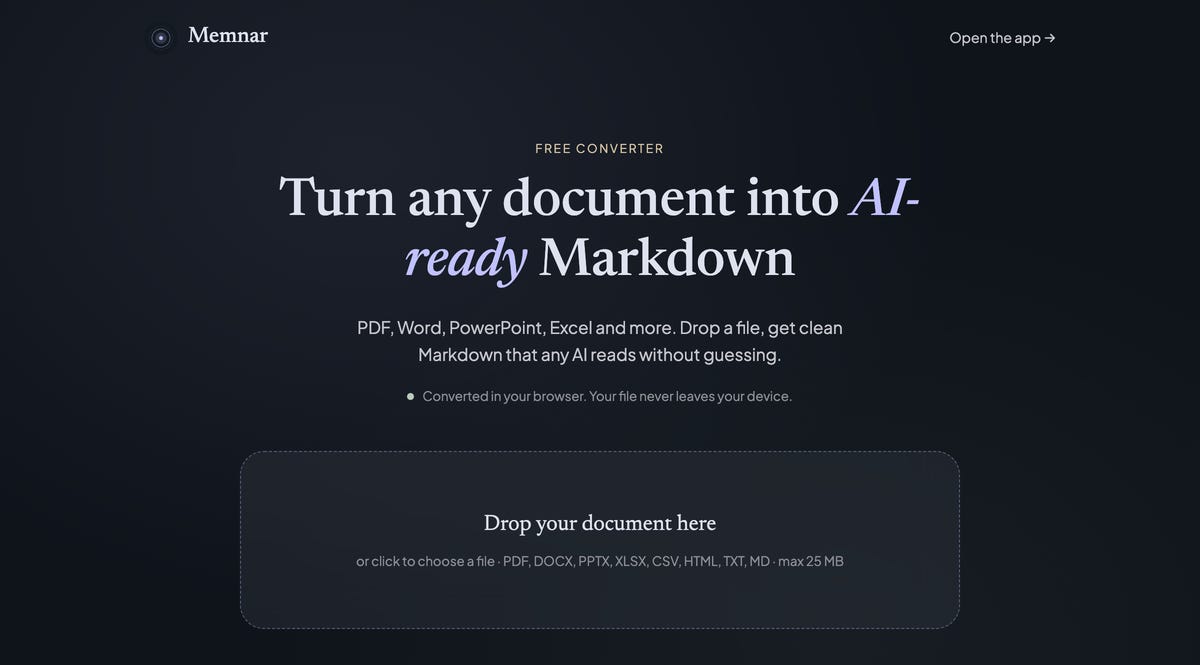
upload.memnar.ai. The whole conversion happens in the browser.
The whole conversion runs in your browser. Your file never leaves your device, which is a claim I can make plainly because there is no upload step to hide. I tested it with 9 real documents, including a 9.9 MB set of EU guidelines and a client proposal in Word, and everything came back in under three seconds. Copying or downloading the result asks for a free Memnar account first, which is the deal: you get the converter, I get to say hello.
It took a day to build, and it looks like Memnar because I never had to decide what it should look like.
What I read this week
[PageIndex](https://github.com/VectifyAI/PageIndex): a document index for reasoning-based RAG with no vectors involved, which is a much saner way to think about handing an AI a long document.
[The Cognitive Shift memory research](https://github.com/RhysEJF/cognitive-shift-resources/tree/main/research/memory): open frameworks and skills on AI memory, the subject I spend most of my week on.
[i-have-adhd](https://github.com/ayghri/i-have-adhd): a skill that stops your coding agent from burying the answer three paragraphs deep.
[qm](https://github.com/yc-software/qm): a multiplayer agent harness out of Y Combinator, worth a look if you already run more than one agent at a time.
So: if you have written your visual defaults down somewhere, did your output change when you handed the file to an AI? And if you have never written any down, I'm curious what you give it instead. Hit reply, I read all of them.